AI Jira Admin: 4 Practical Use Cases in 2025
AI Jira Admin: 4 Practical Use Cases in 2025
Beyond text generation — practical use cases for support and troubleshooting
2025 made AI impossible to ignore. But for Jira administrators, the conversation usually stops at “write documentation” or “generate images.”
The real value? AI as a triage partner. Not replacing your expertise — accelerating the grunt work so you can focus on actual problem-solving.
Here are four practical ways AI is changing how Jira admins handle complex scenarios. Not theory — actual workflows with specific prompts and context you can use today.
Bug Triage & Initial Analysis

Client email: “The workflow transition isn’t working for some users.” No error message. No steps to reproduce. No environment details. Just “it’s broken” — and you’re expected to figure it out.
The quality of AI response depends on context you provide. Collect as much as possible:
- Client communication history — previous tickets, emails, chat logs about this or similar issues
- Environment details — Jira version, Data Center or Server, database type, number of users
- Workflow configuration — export XML or screenshots of the workflow, transitions, conditions, validators
- Recent changes — plugin updates, configuration changes, new automations in the last 7-14 days
- Error logs — relevant excerpts from atlassian-jira.log (filter by time and user if possible)
- Similar past tickets — how were similar issues resolved before?
- User details — groups, project roles, permission scheme applied to them
Structure your prompt with role, context, data, and desired output:
You are a senior Jira administrator with 10+ years experience troubleshooting workflow and permission issues.

ISSUE: Client reports workflow transition "Start Progress" not working for some users.

ENVIRONMENT:
- Jira Data Center 9.12.1
- PostgreSQL 14
- ~500 users, 50 projects
- ScriptRunner 8.x installed

CLIENT HISTORY:
- 3 months ago: similar issue resolved by adding user to project role
- Last week: complained about slow performance (unrelated?)

WORKFLOW CONFIG:
- Transition "Start Progress": Open → In Progress
- Condition: User is in project role "Developers"
- Validator: "Field Required" on Assignee field
- Post-function: Assign to current user

RECENT CHANGES (last 14 days):
- Dec 5: Updated ScriptRunner to 8.15
- Dec 8: Added new custom field "Priority Level"
- Dec 10: Client reported issue

ERROR FROM LOGS (Dec 10, filtered by affected user):
[paste relevant log lines here]

AFFECTED USERS:
- john.smith (groups: jira-users, developers)
- jane.doe (groups: jira-users, qa-team)

Provide:
1. Top 3-5 probable causes ranked by likelihood
2. For each cause: specific diagnostic steps to confirm
3. Smart follow-up questions to ask the client
4. Quick fixes vs proper fixes for each scenario
Ranked list of probable causes with reasoning. For example: “jane.doe is in qa-team but NOT in Developers project role — this matches the condition failure pattern.” Plus targeted follow-up questions: “Can affected users see the ‘Start Progress’ button at all, or does clicking it produce an error?”
Best for: Permission issues, workflow validation failures, plugin conflicts, “works for some users but not others” scenarios.
JQL Query Generation
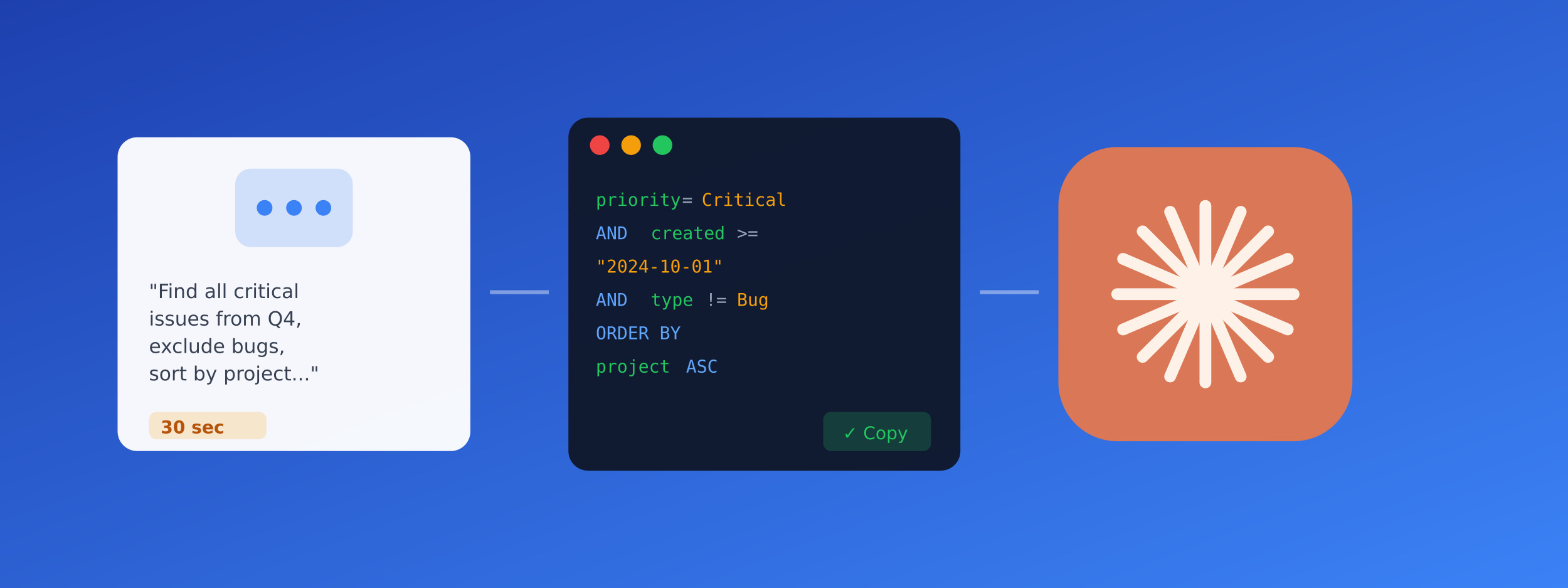
December means compliance audits and management reports. “Pull all critical issues from Q4, excluding bugs, resolved within SLA, by specific teams, with custom field filtering.” Traditional approach: 30-45 minutes of documentation, syntax errors, trial and error.
AI doesn’t know your instance. Always provide:
- Custom field names — exact names as they appear in Jira (e.g., “Customer Priority” not just “priority”)
- Project keys — list relevant projects (PROJ, SUPPORT, DEV)
- Status names — your workflow statuses (might be “Done” or “Closed” or “Resolved”)
- User/group names — for assignee or reporter filters
- Date formats — whether you need relative (-30d) or absolute (2024-10-01) dates
Describe what you need in plain English with your instance specifics:
Write Jira JQL query for Q4 2024 compliance report:

Requirements:
- All issues with priority = Critical or High
- Created between October 1 and December 31, 2024
- Issue type is NOT Bug (we track bugs separately)
- Status changed to "Resolved" or "Closed"
- Resolution within 48 hours of creation
- Projects: SUPPORT, HELPDESK, ESCALATION
- Exclude issues with label "internal-test"

My custom fields:
- "Customer Tier" (select: Gold, Silver, Bronze)
- "SLA Breach" (checkbox)

Additional filter: Only show Gold and Silver customers with no SLA breach

Sort by: project, then resolution date (newest first)
More JQL Examples You Can Request
Write JQL for these scenarios (my statuses: Open, In Progress, Review, Done):

1. Issues stuck in "In Progress" for over 14 days
2. Issues with no activity in last 30 days (not in Done)
3. High priority issues assigned to users who haven't logged in recently
4. Issues created by users who are no longer active
5. Issues with attachments larger than 10MB (if possible via JQL)
Copy-paste ready JQL with correct syntax. AI handles complex AND/OR logic, nested parentheses, date functions (startOfMonth(), endOfQuarter()), and warns you about limitations (e.g., “JQL can’t filter by attachment size directly — here’s a workaround using database query”).
Documentation Generation
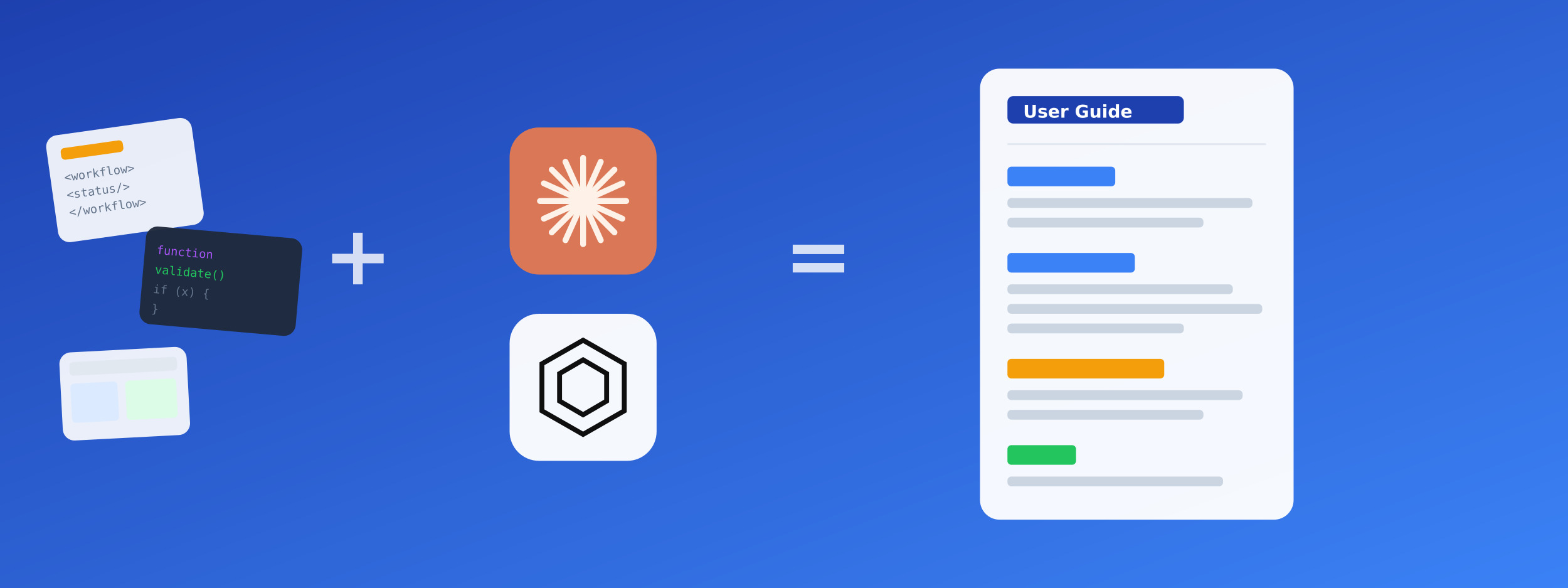
You built a custom workflow 3 months ago. Now someone asks: “Can you document how this works?” Or: new team member starting Monday, needs documentation for your automations. Or worse: you’re going on vacation and nobody knows how your ScriptRunner scripts work.
AI turns raw technical artifacts into readable documentation:
- Workflow XML export — Administration → Workflows → Export as XML
- Screenshots — workflow diagram, screen configurations, field configurations
- Automation rules — copy the rule configuration (trigger, conditions, actions)
- ScriptRunner code — full script with comments (or without — AI can add them)
- Original requirements — why was this built? What problem does it solve?
- Known edge cases — what breaks? What are the limitations?
- Related configurations — permission schemes, notification schemes, screens
Feed the raw materials and specify the audience:
Create user documentation for our "Customer Escalation" workflow.

AUDIENCE: Support team leads (know Jira basics, not admins)

PURPOSE: This workflow handles escalated customer issues that need management approval before resolution.

WORKFLOW XML:
[paste exported XML here]

AUTOMATION RULES CONNECTED TO THIS WORKFLOW:
1. Auto-assign to Team Lead when status = "Escalated"
2. Send Slack notification when status = "Awaiting Approval"
3. Auto-close after 7 days in "Resolved" with no customer response

KNOWN LIMITATIONS:
- Doesn't work for issues in "Internal" project (by design)
- Bulk transitions skip the approval step (known issue, documented workaround)

Generate documentation with:
1. Overview (2-3 sentences: what and why)
2. Workflow diagram explanation (each status and transition)
3. Step-by-step: How to escalate an issue
4. Step-by-step: How to approve/reject escalation
5. Common scenarios with examples
6. Troubleshooting section (what to do when X happens)
7. FAQ (anticipate 5 common questions)
Documentation Types AI Handles Well
- Workflow documentation — from XML to readable guides
- Automation rule explanations — what triggers what and why
- ScriptRunner script documentation — inline comments + separate guide
- Integration setup guides — step-by-step for Jira ↔ other tools
- Onboarding checklists — for new admins or users
- Runbooks — “what to do when X breaks” procedures
Complete draft in 5-10 minutes. Your job: review for accuracy (10-15 min), add screenshots, adjust tone for your audience. Total: 20-30 minutes instead of 2-3 hours starting from blank page.
Log Analysis & Root Cause
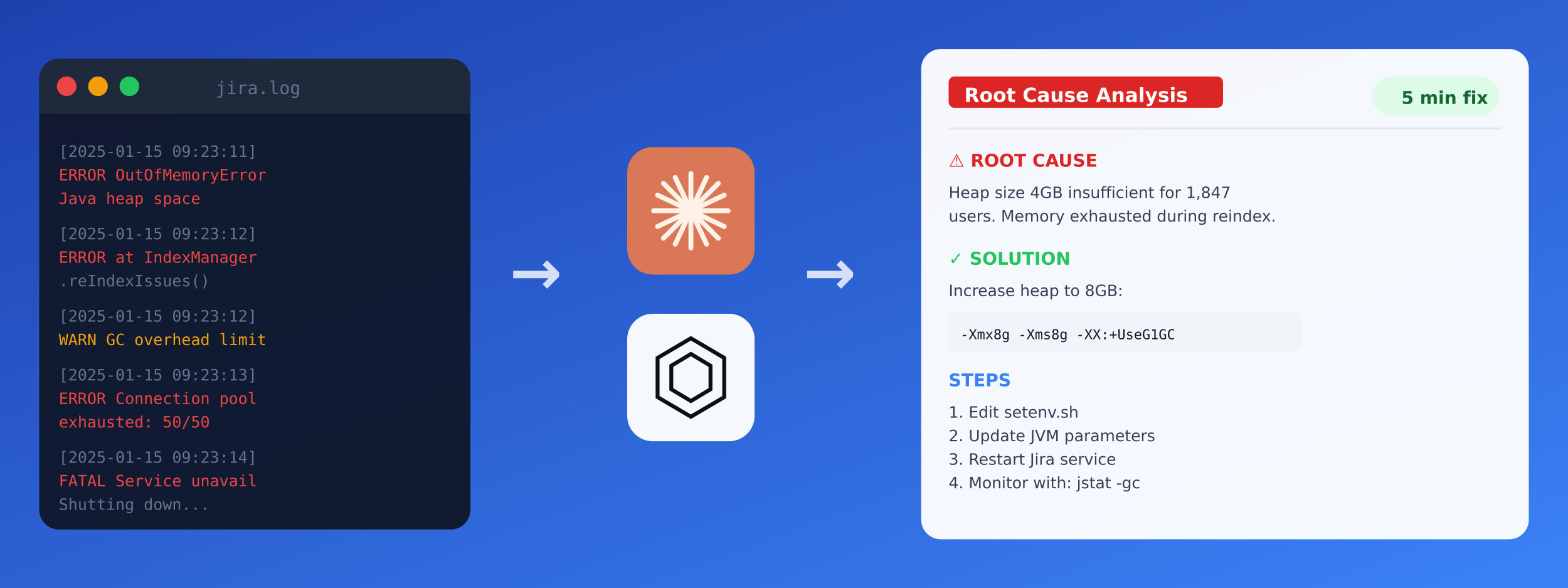
Production issue. 50,000 lines in atlassian-jira.log. Stack traces from multiple threads. Database errors mixed with unrelated warnings. You know the answer is in there somewhere — finding it manually means hours of grep, scrolling, and caffeine.
Don’t paste 50,000 lines. Filter first:
- Time window — narrow to 15-30 minutes around the incident
- Log level — start with ERROR and WARN, add INFO if needed
- Component filter — if you suspect workflow issues, grep for “workflow”
- User filter — if user-specific, filter by username
- Aim for 1,000-5,000 lines — enough context, not overwhelming
Additional context that helps:
- Thread dumps — if performance issue, include thread dump from same time
- Database slow query log — queries taking >1 second
- JVM settings — current heap size, GC settings from setenv.sh
- Recent changes — what was deployed/changed before issue started
- Infrastructure info — load balancer logs, network issues if relevant
Structure the analysis request with environment context:
Analyze these Jira Data Center logs for root cause.

ENVIRONMENT:
- Jira Data Center 9.12.1 (2 nodes behind load balancer)
- PostgreSQL 14 on separate server
- ~500 active users
- Heap: 8GB per node (-Xmx8g)
- ScriptRunner 8.15, Tempo Timesheets 10.x

INCIDENT:
- Started: December 15, 2024, 09:15 AM
- Symptoms: Workflow transitions timing out, some users getting 500 errors
- Affected: ~30% of transition attempts
- Self-resolved: Around 09:45 AM without intervention

RECENT CHANGES:
- Dec 14: Deployed new post-function script (validates custom field)
- Dec 13: Increased connection pool from 20 to 40

LOGS (filtered: 09:10-09:50, ERROR and WARN only):
[paste 1,000-5,000 filtered log lines]

THREAD DUMP (captured at 09:20):
[paste thread dump if available]

Analyze and provide:
1. Root cause with specific evidence from logs
2. Timeline reconstruction (what happened when)
3. Why it self-resolved (if you can determine)
4. Immediate fix if it recurs
5. Permanent fix / prevention
6. What monitoring would have caught this earlier
Pattern recognition across thousands of lines. Timeline reconstruction (“connection pool hit 40/40 at 09:14:52, first timeout error at 09:15:03, new post-function adding 2 seconds per transition”). Correlation of seemingly unrelated errors. Concrete starting point for deeper investigation.
Works well for: OutOfMemory errors, connection pool exhaustion, plugin conflicts, performance degradation, intermittent failures, “it worked yesterday” mysteries.
Case study: Jira + Claude Code integration DEV.to: Multi-project Jira support with ClaudeThe Honest Part: AI Limitations
- AI hallucinates. It will confidently describe Jira features that don’t exist, invent JQL functions, and suggest configurations that would break your instance. Always verify before implementing.
- AI doesn’t know YOUR instance. Custom fields, workflows, permission schemes, installed plugins — you must provide this context every time. Generic advice rarely applies directly.
- Never run AI-generated SQL directly in production. Test on a backup or staging instance first. One wrong UPDATE without WHERE clause and you’re restoring from backup.
- AI is a fast junior analyst. Great for initial triage and pattern recognition. Bad for final decisions. Would you deploy a junior’s code without review? Same principle applies here.
- Sensitive data awareness. Don’t paste customer PII, credentials, or confidential business data into AI prompts. Anonymize or use placeholders when possible.
The Bottom Line
These aren’t magic solutions. They’re accelerators for the 70% of support work that’s triage, research, and documentation.
The deep troubleshooting, the architectural decisions, the judgment calls — that still requires your expertise. AI helps you get to that point faster by handling the initial analysis grunt work.
Start small: next time you get a vague bug report, try the triage prompt. Next time you need a complex JQL query, describe it in English first. See if it saves you 20 minutes.
The best AI workflow is one you’ll actually use. Start with one use case and expand from there.