Every git push Waits 5-10 Minutes for Jenkins. Here’s What Polling Actually Costs Your Team.
Every git push Waits 5–10 Minutes for Jenkins. Here’s What Polling Actually Costs Your Team.
The hidden math behind SCM polling — and the 5-minute fix that eliminates it.
TL;DR: If your Jenkins builds start by polling Bitbucket every few minutes, you’re paying for it in delayed feedback, wasted server resources, and broken developer flow. This article breaks down the math, explains why Bitbucket’s built-in webhooks fall short for Jenkins and Azure DevOps, and shows what a proper webhook-driven CI/CD trigger looks like.
You push a commit. You switch to Slack. You check email. You open another file. You forget what you were doing.
Twelve minutes later, Jenkins finally notices your push and starts the build.
Three minutes after that, the build fails — a typo in a config file you could have fixed in 30 seconds. But you’ve already context-switched twice, and now you need 15 minutes to get back into the code you were writing.
If this sounds familiar, you’re running Jenkins with SCM polling. And it’s costing you more than you think.
How Polling Works (And Why It’s the Default)
Jenkins doesn’t know when you push code. It has no way to find out — unless you tell it.
The default approach is SCM polling: Jenkins checks your Bitbucket repository on a schedule. Every 5 minutes, every 10 minutes, every 15 minutes — whatever you configure in the H/5 * * * * cron expression.
This means:
- If you push at 10:01 and Jenkins polls at 10:10, you wait 9 minutes.
- If you push at 10:06 and Jenkins polls at 10:10, you wait 4 minutes.
- If you push at 10:09 and Jenkins polls at 10:10, you wait 1 minute.
- Average wait with a 5-minute interval: ~2.5 minutes.
- Average wait with a 10-minute interval: ~5 minutes.
- Average wait with a 15-minute interval: ~7.5 minutes.
Most Bitbucket DC installations I’ve seen use 10–15 minute intervals, because shorter intervals hammer the Bitbucket server with API requests. At scale — 50+ repositories, multiple branches each — a 2-minute polling interval generates thousands of API calls per hour, all returning “nothing changed.”
So admins increase the interval. And developers wait longer.
The Math Nobody Runs
Let’s do the calculation that usually doesn’t make it into the CI/CD budget review.
Assumptions (conservative):
- Team size: 20 developers
- Pushes per developer per day: 4 (feature branches, fixes, reviews)
- Polling interval: 10 minutes (common for Bitbucket DC)
- Average wait per push: 5 minutes
- Failed builds that require immediate attention: 25%
4 pushes × 5 min = 20 minutes of waiting per day, per developer. One coffee break. But those 20 minutes aren’t consecutive — they’re four separate gaps scattered across the developer’s most productive hours.
Each gap forces a decision: wait idle, or context-switch? Research from UC Irvine found it takes 23 minutes to refocus after an interruption. A 2024 Uplevel study (2.6M developer events) found that frequent context-switchers complete 40% fewer tasks per sprint.
Now add failed builds. 25% of pushes fail on active branches. Each failed build with polling doesn’t cost 5 minutes — it costs 30–40 minutes (notice failure → context-switch back → fix → push → wait again).
Annual cost for a team of 20
- 20,000 pushes/year (80/day × 250 days)
- 5,000 failed builds × ~35 min context-switch cycle = 2,917 hours
- 15,000 passed builds × ~8 min partial delay = 2,000 hours
- Total: ~4,900 hours → halved for real-world conditions = ~2,450 hours
- At $75/hour: $150,000–$180,000/year
The plugin costs $1,000/year for a 50-user team.
“But Bitbucket Has Built-In Webhooks”
It does. And for simple setups, they work.
But here’s where the native approach starts to fall apart at scale:
No branch filtering on the Bitbucket side. The webhook fires for every push to every branch. Yes, you can add filtering logic on the Jenkins side — the Generic Webhook Trigger plugin can parse the payload and match branches. But now you’re maintaining filter configs in two places (Bitbucket and Jenkins), and every new repository needs both sides configured correctly.
No file path filtering. A change to README.md triggers the same pipeline as a change to src/core/auth.py. For monorepos, this means every minor documentation change kicks off a full build. Jenkins can check changed files in the pipeline script, but the build still starts — consuming a queue slot and an executor.
No centralized management. Native webhooks are configured per-repository. If you have 100 repos and need to update the Jenkins URL (say, after a migration), you’re editing 100 webhook configs manually. There’s no project-level or global-level setting.
Limited retry. Bitbucket DC 7.x+ added basic retry for webhooks, which is a step forward. But the retry behavior is limited — no configurable backoff, no error dashboard, no way to manually re-trigger a missed event. If Jenkins was down for 20 minutes during a deploy, you’re grepping Bitbucket logs to figure out which pushes were missed.
No Azure DevOps support. This is a hard gap. Native webhooks send a generic JSON payload. Azure DevOps Pipelines expect a specific incoming webhook format. You’d need a middleware service — an Azure Function or a Lambda — to translate the payload. That’s another piece of infrastructure to maintain, monitor, and debug when it breaks.
Any one of these is manageable. All five together, across 50+ repositories with multiple teams — that’s when admins start considering dedicated tooling.
What Webhook-Driven CI/CD Actually Looks Like
The alternative to polling is event-driven triggering: Bitbucket tells Jenkins the moment something happens, instead of Jenkins asking Bitbucket every few minutes.
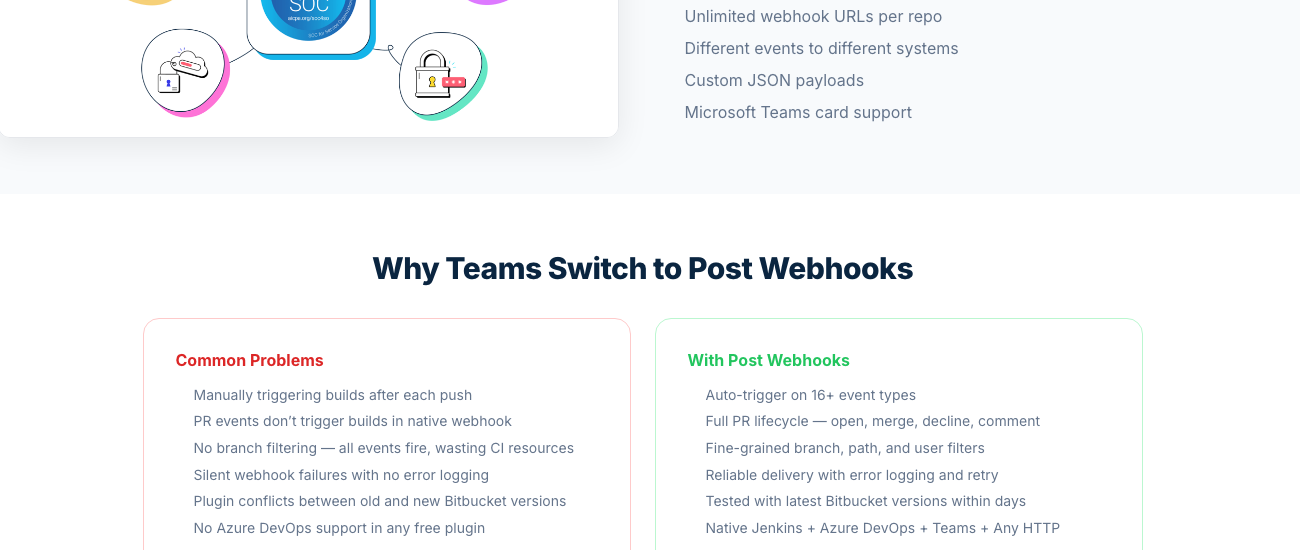
With a proper webhook setup, a push to main starts the build in under 3 seconds instead of 5–10 minutes. A docs-only change? Filtered out, no build. Jenkins down? Webhook retries with backoff — no silent failures.
| Feature | SCM Polling | Native Webhooks | Post Webhooks |
|---|---|---|---|
| Trigger delay | 5–10 min avg | ~1 second | ~1 second |
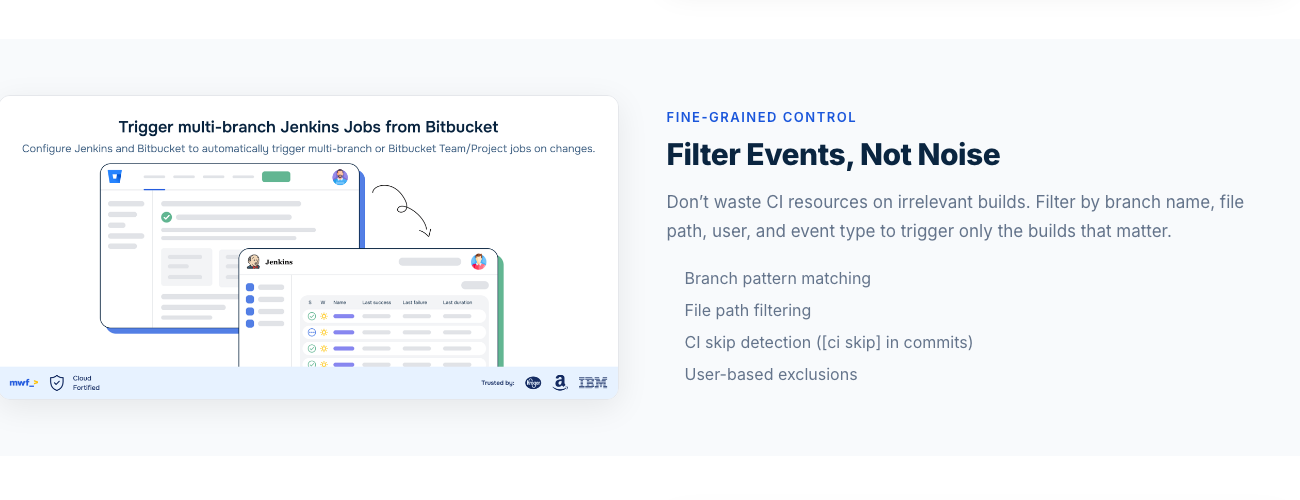
| Branch filtering (Bitbucket-side) | N/A | No | Yes (regex) |
| File path filtering | No | No | Yes |
| Azure DevOps native support | N/A | No (needs middleware) | Yes |
| Centralized config | Per-job | Per-repo | Global / Project / Repo |
| Retry with error logging | N/A (polls again) | Basic (7.x+) | Yes (configurable) |
| CI skip detection | No | No | Yes |
| Multiple CI endpoints | No | Manual | Unlimited URLs |
| Server load | High (constant API calls) | None | None |
| Custom JSON payloads | No | No | Yes |
| Event types | Push detection | ~8 types | 16+ types |
What Teams Actually Say
Here’s feedback from Bitbucket DC teams who switched from polling to webhooks — quoted directly from the Atlassian Marketplace.
“Great product; it is easy to integrate with Jenkins and works better than the native WebHook.”
“We use the paid version of Post Webhooks and we rely on it for our builds. Recently encountered some issues upgrading and support has been top-notch throughout.”
Over 7,000 teams use this setup — used within engineering organizations at companies like Apple, Microsoft, Amazon, Dell, and Boeing. 934 active Data Center installations.
The 5-Minute Setup
This isn’t a “3-week infrastructure project.” The full setup:
main|release/.*|hotfix/.*
For Jenkins 2.0 with multi-branch pipelines, the plugin triggers branch indexing instantly on push — instead of waiting for the next scheduled scan interval.
For Azure DevOps users: paste your pipeline’s incoming webhook URL, select the Azure DevOps payload format in the plugin settings, and set your branch filters. No middleware, no Azure Functions, no translation layer. The plugin speaks Azure DevOps natively — same filtering and reliability as the Jenkins setup, just a different endpoint.
The Bottom Line
Polling is the default because it’s simple. But “simple” at scale means:
- Delayed feedback — developers wait minutes instead of seconds
- Wasted server resources — thousands of “nothing changed” API calls per hour
- Broken developer flow — context switching between push and build result
- Silent failures — no one knows the build didn’t start
Switching to webhooks eliminates all four. The ROI isn’t theoretical — it’s the difference between a developer fixing a typo in 30 seconds and losing 40 minutes to a round trip through context-switch hell.
For a team of 20, even conservative estimates put the cost of polling at $150,000+/year in disrupted developer time. The plugin costs $1,000/year for that team size.
That’s not a technology decision. That’s arithmetic.
Ready to stop polling?
Try free for 30 days. No credit card required.
Start Free Trial on Marketplace