We shipped Diagram.now — a Confluence-native diagram editor with 1,200+ shapes
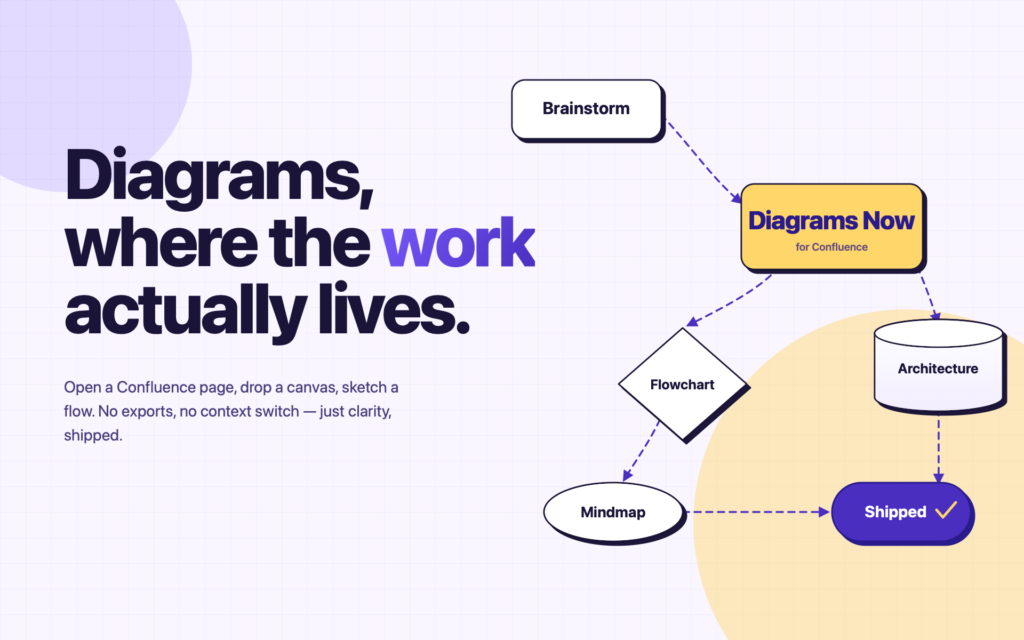
We shipped Diagram.now — a Confluence-native diagram editor with 1,200+ shapes
Imports from Gliffy, Lucidchart, Visio, and Mermaid. Real-time editing. Runs entirely on Atlassian Forge.
Diagram.now is publicly available on the Atlassian Marketplace today.
It’s a diagramming editor for Confluence Cloud — built on Forge, runs inside your Atlassian tenant, and aimed at teams who’ve watched their diagrams accumulate across three or four different tools while the docs that reference them sit in Confluence.
What it does
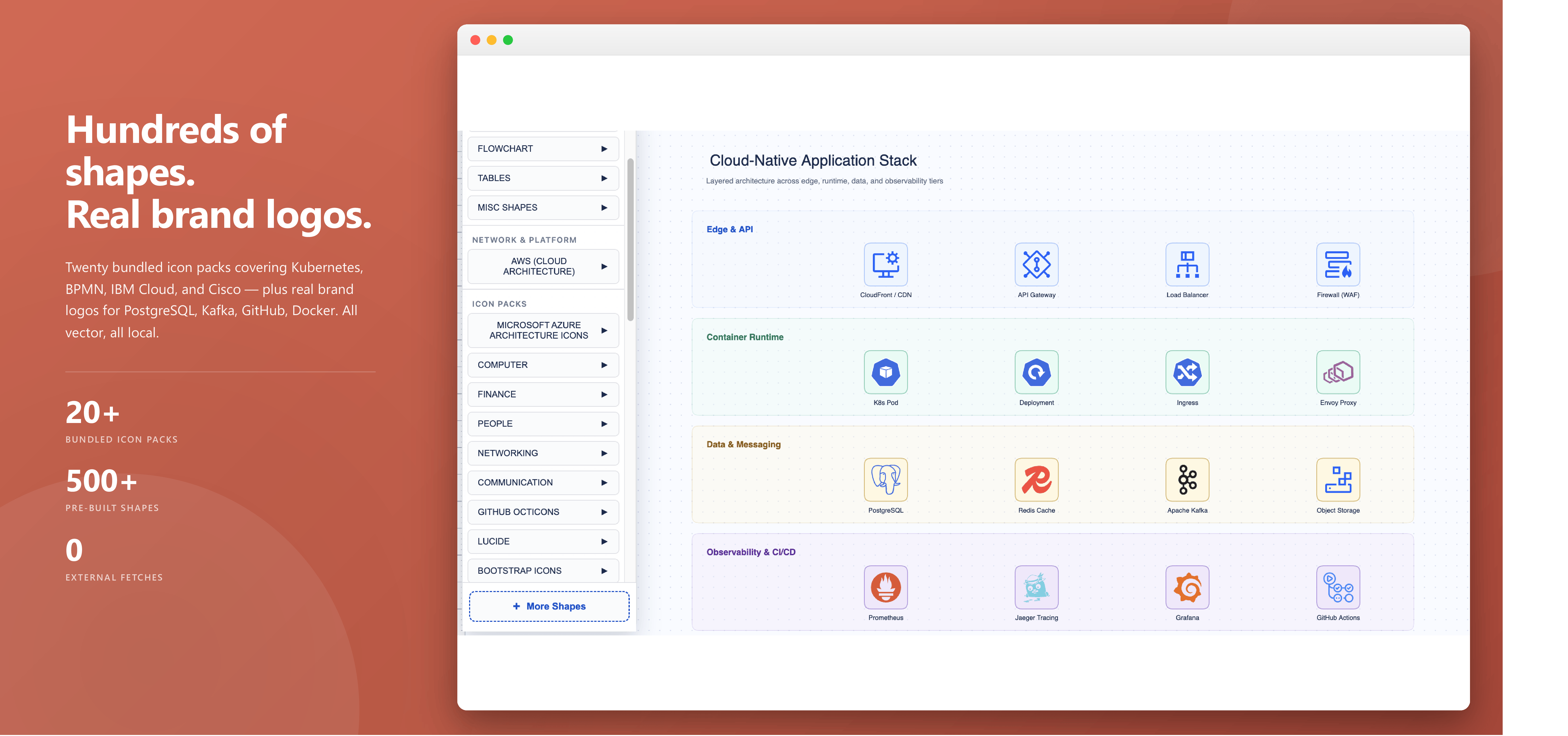
The editor ships with 1,200+ shapes across 15+ diagram types — flowcharts, BPMN, ERD, UML, AWS / Azure / GCP cloud architecture, sequence diagrams, mobile wireframes, and a sketch/whiteboard mode for when a diagram starts as a conversation.
You add it as a standard Confluence macro. Edits autosave to page attachments. Exports include PNG, SVG, real vector PDF (via jsPDF, not the browser print dialog), JPEG, and raw JSON or XML for round-tripping.
Free trial through the Atlassian Marketplace, no credit card. Paid tier after that, billed through Atlassian.
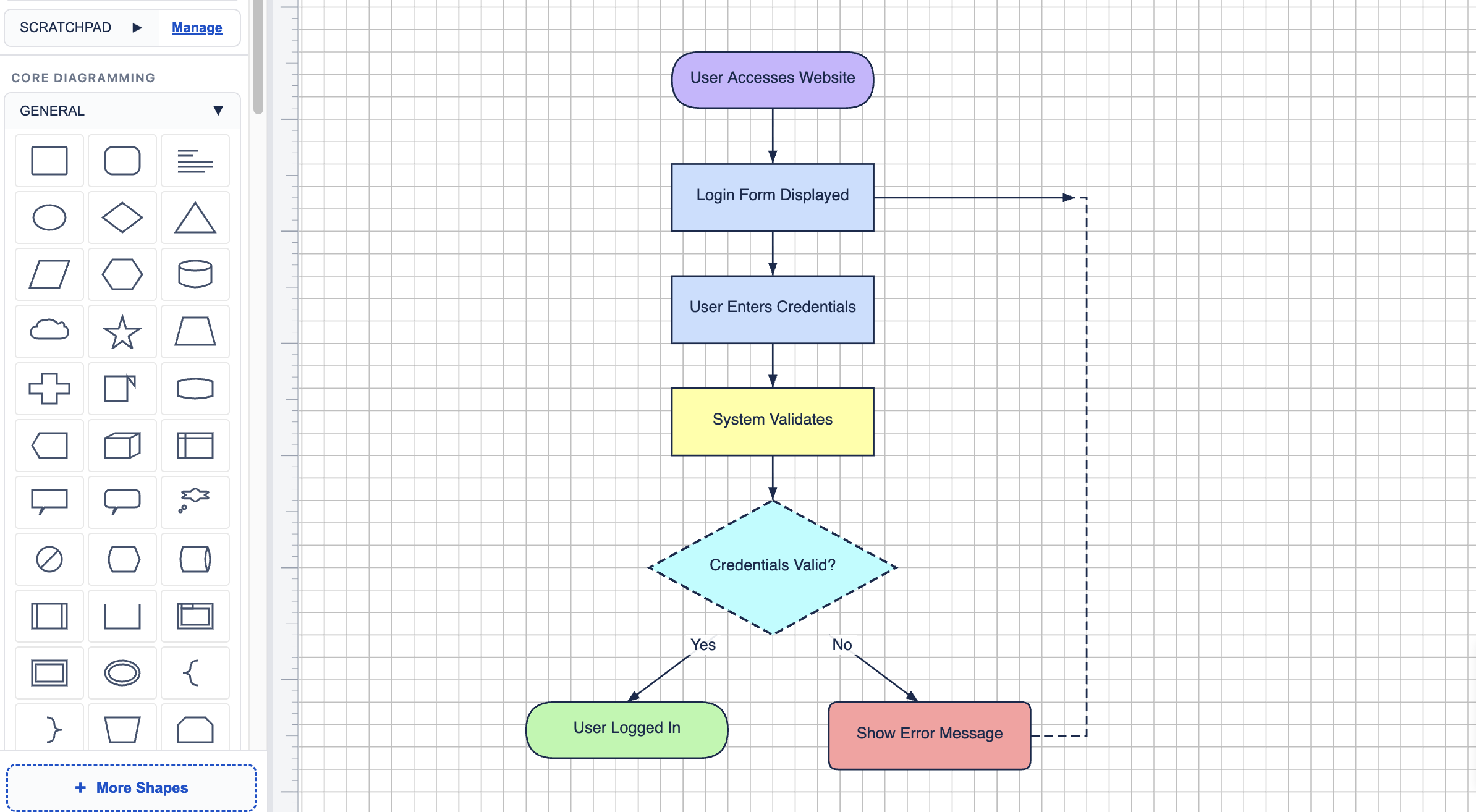
The diagram-tool sprawl problem
If your team has been using Confluence for more than a year, the diagrams aren’t all in one place.
There’s a Gliffy diagram from 2021 that someone needs to update and can’t quite remember how. There’s a Lucidchart link in a page header that opens to a “no access” screen because the original author left. There’s a Visio file an architect exported as PNG and dropped into a page, so now the only editable copy is on someone’s laptop. And somewhere in the engineering wiki, there’s a Mermaid block that the dev team pasted in because it was the fastest way to commit a sequence diagram to a pull request.
Each tool made sense at the time. Together they made a mess. The docs that need the diagrams live in Confluence; the diagrams live somewhere else.
Diagram.now imports from all four — Gliffy, Lucidchart, Visio (.vsdx), and Mermaid — into one Confluence-native editor.
What’s actually different about it
Three things, evidence-first.
Built on Forge. The app runs inside your Atlassian tenant. No external servers, no third-party data flow, nothing leaves the tenant boundary. If your security review involves the words “data residency,” this matters.
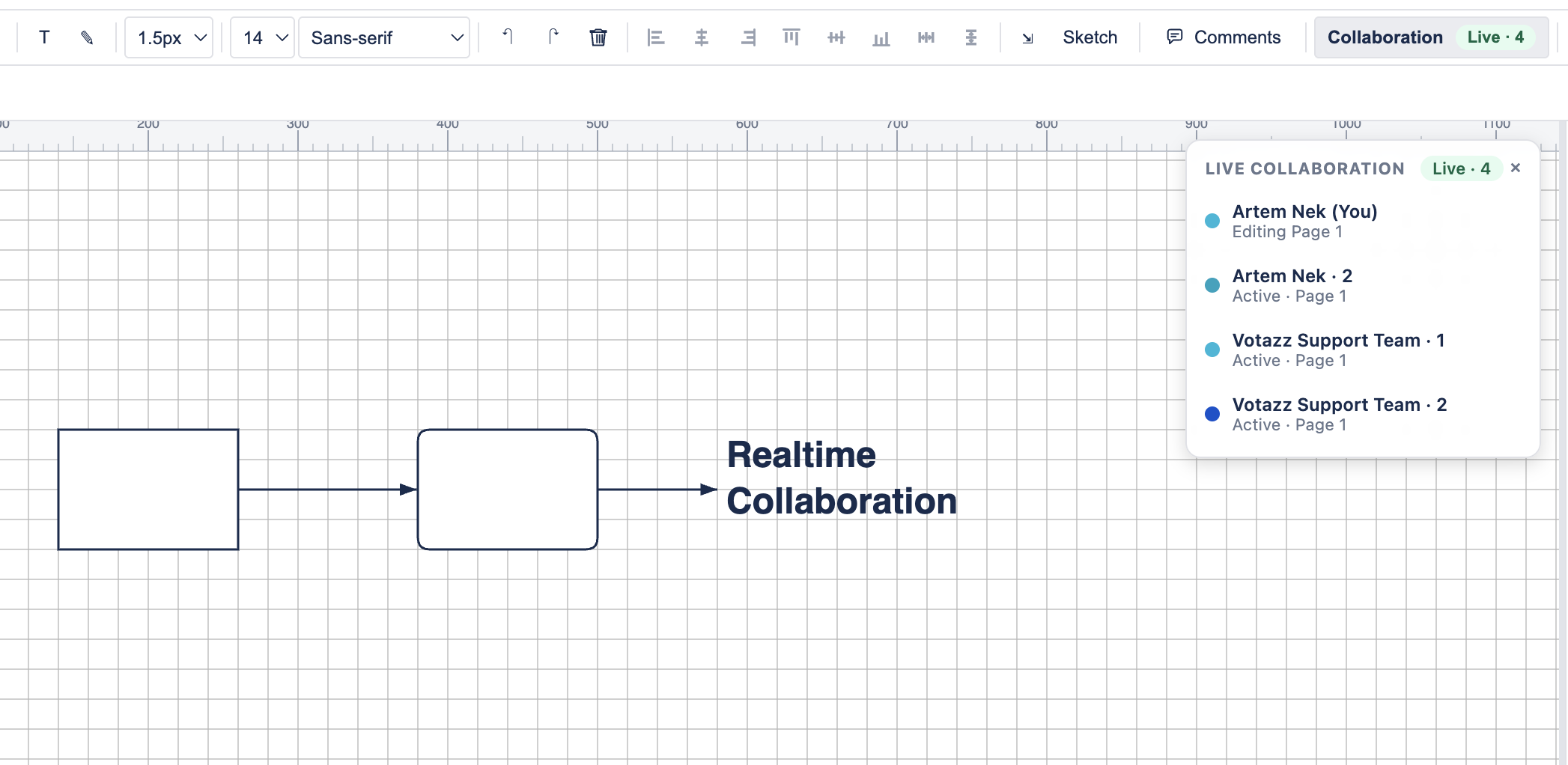
Real-time collaboration. Multi-user editing through the Forge Realtime API — live cursors, presence indicators, simultaneous edits visible across sessions. It works without a separate sync backend because it’s wired through Atlassian’s own collaboration layer.
Sketch mode for ideation. A toggle switches the renderer to hand-drawn aesthetics (hachure, cross-hatch, dotted fills) for when a diagram is still in the “thinking out loud” phase. Same shapes; different style. Useful when you don’t want a half-formed idea to look more finished than it is.
What it isn’t (yet)
A few things to set expectations honestly:
- No Jira issue integration. Shape-to-Confluence-page linking works; shape-to-Jira-issue does not.
- No AI text-to-diagram. There’s a reserved hook in the codebase for this; it’s not shipped. If a future version adds it, it’ll be admin-consent gated.
- No per-shape comments. Only Confluence page comments. You can have a discussion about the diagram, but not on a specific box inside it.
- Not a replacement for Miro or Figma. Different category, different mental model.
Availability and pricing
Free trial through the Atlassian Marketplace — no credit card to start, install the macro, and the trial begins on first use. Paid tier billed through Atlassian (same as every other Marketplace app), so it lands on the same invoice as the rest of your Confluence stack.
Install Diagram.now on a sandbox space and try importing an existing diagram you’ve been meaning to migrate.
View on Atlassian MarketplaceIf something breaks or feels off, reply to this post or email us. We read all of them.
— Artem, Votazz