Who Connected an AI Tool to Your Jira? Your Audit Log Already Knows
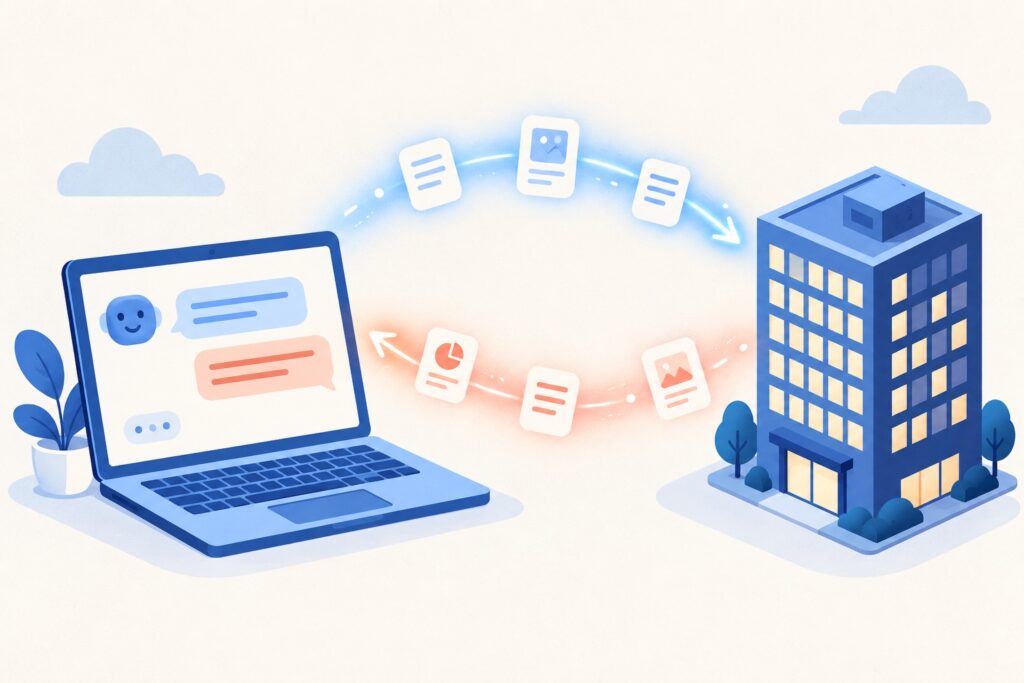
Connecting Claude or ChatGPT to your Jira and Confluence is allowed by default, needs no admin approval, and covers reading and writing. There is a free audit-log filter that tells you exactly who has done it, and four documented gaps that make that picture less complete than it looks.
The short version
- Atlassian automatically allows its supported AI domains, which it names as partners like Anthropic and OpenAI, for OAuth connections.
- Access is scoped to each user’s own permissions, and covers actions, not just reading.
- The number you want is free on every tier: Insights, Audit log, filter Rovo MCP User Actions.
- The audit log shows 7 days by default and holds 180 days maximum.
- Blocking is all or nothing, and it does not apply to tools using API tokens.
- The fine-grained control that shipped this week is Not available without Atlassian Guard.
1. What shipped this week
Two items appeared in the Atlassian Cloud changes post for 21 to 28 September, both marked ROLLING OUT and NEW THIS WEEK. The first:
“Organization admins can now set up the Atlassian Rovo MCP server control in Data Security Policy. Admins can govern how external AI tools read and write Jira and Confluence data using MCP, with org-wide defaults and overrides scoped by Atlassian apps, spaces, and classification levels. It works the same way as existing DSP controls like data export, anonymous access, and public links.”
Source: Atlassian Cloud changes, 21 to 28 September 2026
The second added API token authentication for MCP servers, letting admins register gallery MCP servers with a supplied token and control which people or groups can use them.
Useful. But the reason to spend ten minutes on this is not the new control. It is the state your organisation has been in already.
2. The default is that it is allowed
From Atlassian’s Understand Atlassian MCP server:
“Atlassian-supported domains are a list of Atlassian AI partners. Atlassian works with AI companies like Anthropic or OpenAI that create AI tools like Claude.ai or ChatGPT.”
“By default, we automatically allow the Atlassian-supported domains that enable OAuth connections between AI tools and the Atlassian apps in your organization.”
So a licensed user can open Claude.ai or ChatGPT, walk through an OAuth consent screen, and start working against your Jira and Confluence. No ticket, no approval queue, no admin in the loop.
This is not privilege escalation
Atlassian is clear: “Access is scoped to the user’s existing permissions in Atlassian.” Nobody gains access to anything they could not already open in a browser. What changes is where that data goes next, and what gets written back.
On writing, the same page is explicit about what these tools can do:
“This enables your AI tools to perform actions, such searching for work items, summarizing pages, or bulk-creating new content via natural language commands.”
And Atlassian’s own disclaimer on the monitoring page puts it plainly:
“MCP clients can perform actions in Jira, Confluence, and Compass with your existing permissions. Use least privilege, review high-impact changes before confirming, and monitor audit logs for unusual activity.”
3. The number, and it is free on every tier
This is the part worth your morning. From Monitor Atlassian MCP server activity, the row labelled “MCP tool invocation logging” carries the note “(Available for all tiers)”:
“Every time a tool is used through the Atlassian MCP server, an event is recorded in your organization’s audit log. Each entry includes the tool name, action, and user who performed it.”
Source: Atlassian, Monitor Atlassian MCP server activity
Count the distinct people. That is how many of your users have pointed an AI tool at your Atlassian data. Then read the tool names and actions, because the entries tell you whether this was reading or writing.
Change the date range before you conclude anything
From View audit log activities: “By default, activities from the past 7 days are visible. If you modify the date range, you can see up to 180 days of history, but only for events logged during that period.”
Open the log, see a handful of entries, decide that barely anyone uses this, and you have measured one week. Widen it to 180 days first.
The ceiling is hard. Same page: “Audit logs activities are stored for up to 180 days. Any activity older than 180 days is removed from the audit log and can’t be recovered.” And upgrading does not backfill: “To start logging more things at the organization level, you can upgrade your subscription (for example, to an Atlassian Guard or Enterprise plan), but this doesn’t recover events from before you upgraded.”
4. Four gaps in the picture
Gap 1. Blocking is all or nothing
“You can block all Atlassian-supported domains from accessing apps in your organization. You cannot block individual domains. You can only allow or block the entire domain list.”
You cannot approve one AI vendor and refuse the rest from this setting. It is the whole list or none of it. You can separately authorise domains you trust.
Gap 2. The block does not cover API tokens
From Control Atlassian Rovo MCP server settings:
“You can only block domains for AI tools that use OAuth 2.1, but not when they use API tokens to access your organization.”
So the domain blocklist is a control over one of the two authentication paths. The other path is switched separately, in the Rovo MCP server settings.
Gap 3. The install event names one person, and needs Guard
The monitoring page lists a second visibility row, “An OAuth app is installed for the first time”, labelled “(Requires Guard Standard)”:
“Audit logs show when and which user used OAuth to authorize using Atlassian MCP (which will automatically install the Atlassian MCP app).”
“Note: If additional users authorize the app, they do not appear in the audit log.”
Which is exactly why the tool invocation filter in section 3 is the one to rely on. It logs every use, by every user, on every tier.
Gap 4. API token connections hide the human
“Tool calls may run under a service account or technical user associated with the API token.”
“Audit logs will reflect actions performed by that account, rather than individual end users in the AI tool.”
“You may not see separate audit log entries for each user of the external tool when authentication via API token is used.”
Atlassian’s own mitigation list for this: use a least-privilege account for any API tokens used with MCP, review that account’s audit entries regularly, and rotate or revoke tokens if you suspect misuse.
5. What you can actually enforce
| Control | What it does | Availability |
|---|---|---|
| MCP tool invocation logging | Records every tool use with tool name, action and user | “Available for all tiers” |
| Block Atlassian-supported domains | Stops OAuth connections from the whole partner list. Does not affect API token connections | Rovo, then Rovo MCP server |
| Disable API token authentication | Users connecting with a token see a permission error instead | Rovo MCP server settings |
| Block all OAuth app installs | “Prevent users from installing any OAuth apps completely. This is a blanket setting.” | Connected apps, Settings tab |
| Atlassian Rovo MCP server control (new this week) | Governs MCP read and write with org-wide defaults and overrides by app, space and classification | Not available without Atlassian Guard |
That last row comes from the availability table on What is a data security policy?, where the row “Atlassian MCP server” reads “Not available” in the column for organisations without Guard, and is available with Guard Standard and Guard Premium.
If that pattern looks familiar, it is the same shape as the public links control we wrote about last week. The blunt switches are free. The precise ones are a Guard subscription.
6. One line on cost
MCP is not free to run, and it lands on the meter that starts billing on 3 December. From the monitoring page: “When a AI client makes a call via Atlassian MCP to retrieve data or generate insights, it consumes Rovo credits.” Usage is visible under Insights, then Platform usage.
7. What I could not verify
- Whether the blanket OAuth app block is available on every plan. That row carries no tier label, unlike the two visibility rows above it, so I am not going to assume one.
- Whether the new Data Security Policy control has reached your organisation. The Cloud changes entry is marked ROLLING OUT. Check for it rather than expecting it.
- What happens to live API token connections when you disable that authentication method. The documentation describes the error a user sees when connecting, not what happens to a session already running.
- How many organisations have active MCP connections. Atlassian publishes no figure, and neither will I.
The one number worth having
Atlassian Administration, Insights, Audit log, filter for Rovo MCP User Actions, and widen the date range to 180 days. Count the distinct users.
If it is zero, you have a fact for your next security review, and you now know where the log lives. If it is not zero, you know which people, which tools, and which actions, and you can decide whether that was a policy you set or a policy that set itself.
Sources
Every page below was read directly rather than summarised from elsewhere.
Quotations are reproduced from Atlassian’s public documentation as published on 29 September 2026 and are the property of Atlassian. Features marked ROLLING OUT may not have reached your site. Product behaviour changes; check the linked pages before acting on anything here.